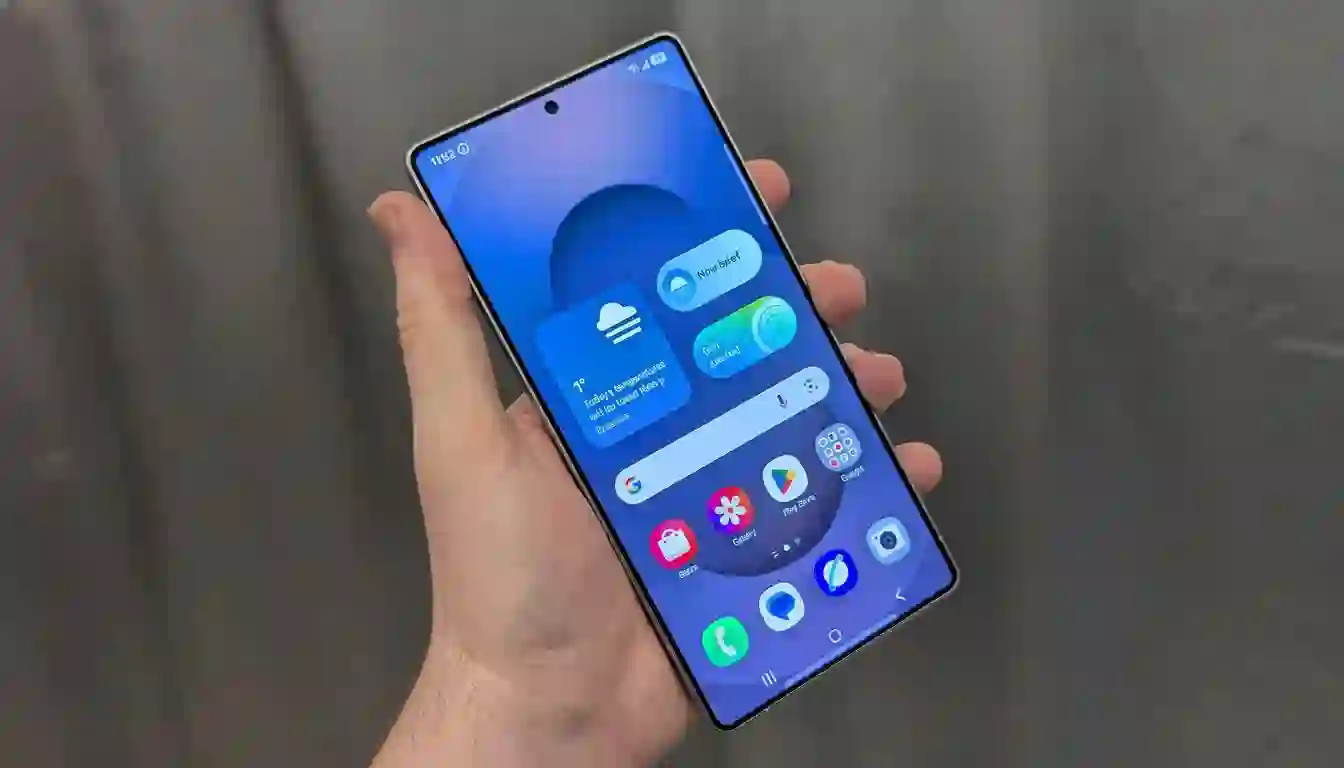
Samsung is developing a robust solution to the persistent push-notification ad spam troubling Galaxy phone users. Leaked screenshots by tipster Tarun Vats reveal One UI 8.5 will introduce an automatic feature that identifies and blocks apps sending excessive ad-like alerts through notifications. This “deep sleep” mode prevents offending apps from waking in the background or pushing new notification spam until manually accessed, offering users much-needed relief.
How Deep Sleep Enhances Spam Control
- Deep sleep suspends background activity and network access
- Targets repeat offenders bombarding users with promotional notifications
- Maintains app utility when opened, avoiding aggressive blocking
- Balances ad-filtering without requiring user removal of apps
This approach tackles a long-standing issue on Android. Although Android 8 introduced notification channels to mute specific types of alerts, developers often overuse high-priority channels, resulting in users facing an all-or-nothing choice. Samsung’s system-level intervention could reset developer incentives and reduce aggressive push marketing tactics significantly.
On-Device Intelligent Filtering for User Privacy
The “intelligent blocking” toggle is rumored to scan notification content on-device, determining if an alert resembles spam or promotional material. This on-device processing ensures sensitive data remains private, avoiding the pitfalls of uploading personal content to cloud servers. Such privacy-focused filtering, if accurate, could significantly improve notification relevance without compromising user trust.
- Runs locally on phone, preserving data privacy
- Utilizes pattern recognition to detect ad-type notification content
- Potential user controls: confidence thresholds, per-app exemptions, notification logs
- Minimizes false positives by allowing manual overrides and explanations
Why Galaxy Users Need This Feature
Push notification fatigue drives many users to disable alerts altogether or uninstall apps, often due to excessive marketing pings. Despite Android 13’s permission requirement for notifications, spam continues from numerous third-party services and preinstalled apps. Galaxy owners report frustration with both external and sometimes Samsung’s own service notifications. Automated filtering in One UI 8.5 promises to combat this, reducing distractions and potentially extending battery life by minimizing unnecessary wake events.
Integration with One UI 8.5 and Broader Notification Enhancements
Samsung’s upcoming One UI 8.5 is expected to overhaul notifications holistically, including:
- Refined quick settings interface for easier alert management
- iOS-inspired notification summaries clustering non-urgent notifications
- Enhanced system status displays for clearer interaction feedback
- Smarter notification grouping and priority adjustment
Together, these changes signal Samsung’s shift from volume-driven notifications toward improving signal-to-noise ratio, making alerts more thoughtful and useful.
Immediate User Actions to Reduce Spam Now
Until One UI 8.5 rolls out globally, Galaxy users can mitigate spam by:
- Going to Settings → Notifications, fine-tuning app notification categories to mute promotional streams while preserving essential alerts
- Manually placing spammy apps into deep sleep via Battery settings, halting their background activity and push capability until reopened
- Monitoring apps that lack proper notification channels and adjusting permissions or uninstalling if abusive
Looking Ahead: One UI 8.5 Beta Testing and Industry Implications
The next One UI beta release will reveal the extent and effectiveness of these spam control features. Success will depend on striking the right balance with intelligent blocking—minimizing false positives while aggressively reducing spam. If Samsung achieves this, Galaxy users could enjoy one of the most practical quality-of-life updates in years, likely influencing other Android manufacturers to implement similar notification hygiene systems.