Apple’s iPhone 17 Pro series introduces groundbreaking advancements like the A19 Pro chip, a redesigned 48MP telephoto camera with 4x optical zoom, and superior low-light performance through enhanced sensor-shift stabilization. However, the company has quietly eliminated Night mode in Portrait photography, a beloved feature available since the iPhone 12 Pro that combined long-exposure brightness with bokeh effects for stunning low-light portraits. This deliberate omission, confirmed by Apple’s support documentation, prevents the Night icon from appearing in Portrait mode, even in pitch-black conditions at concerts, dinners, or evening events.
The change impacts both rear and front cameras, forcing users to choose between Night mode’s illumination or Portrait’s depth-of-field blur, but never both simultaneously. Early adopters reported the issue across Apple’s forums and social platforms, initially suspecting hardware defects until official manuals listed support only for iPhone 12 Pro through 16 Pro models. Unlike typical launch bugs flagged in release notes, this absence signals a strategic hardware-software pivot, aligning the iPhone 17 Pro more closely with competitors that separate these computational features.
Technical Shift Behind the Night Portrait Removal
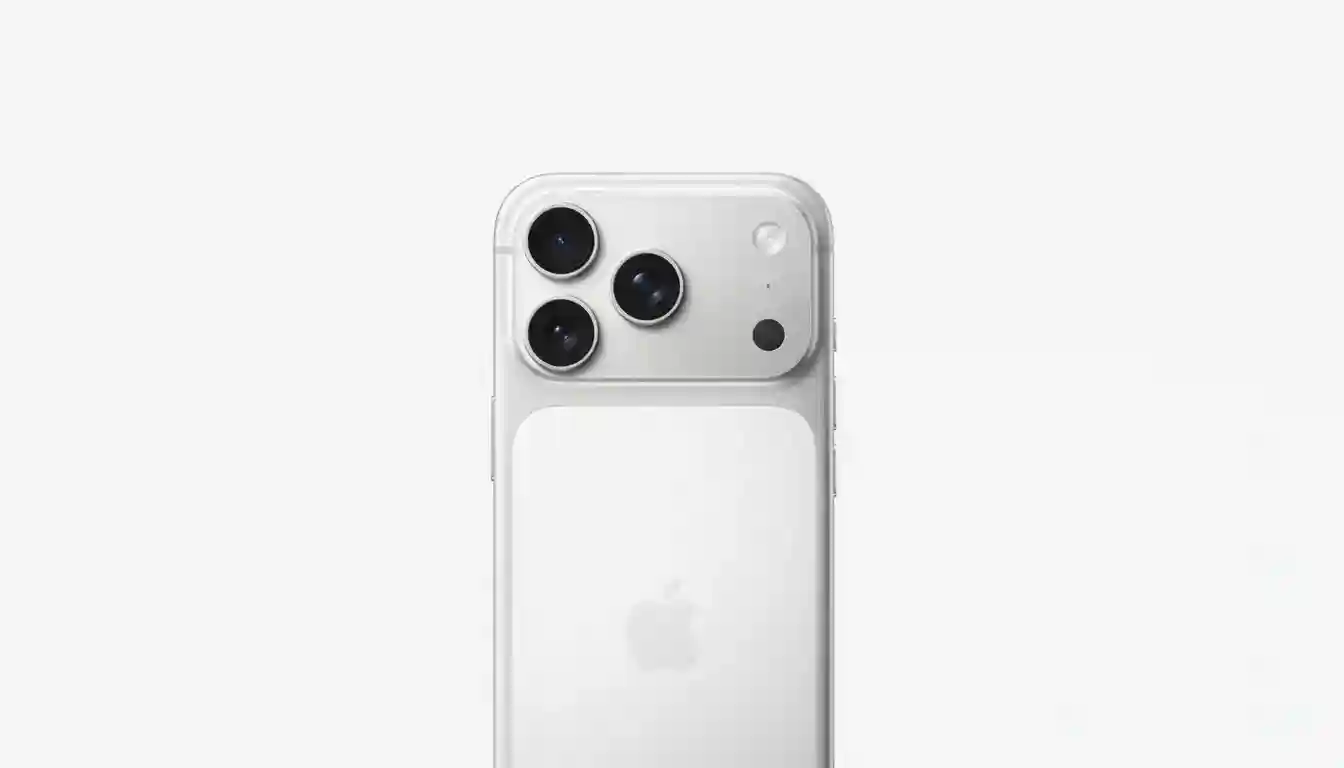
The iPhone 17 Pro’s camera array features three 48MP sensors: a main Fusion camera, ultrawide, and a new tetraprism telephoto upgraded from 12MP to 48MP with a larger 56% bigger sensor for better light capture. Portrait mode relies on this telephoto lens to simulate natural focal compression without wide-angle distortion, but the longer 100mm equivalent focal length amplifies challenges like camera shake and subject motion during Night mode’s multi-second exposures. Relocating the LiDAR sensor alongside the redesigned camera bar and flash may have compromised depth mapping accuracy in tandem with the new 48MP imaging pipeline, which prioritizes cleaner 24MP outputs over brighter but artifact-prone stacked frames.
Apple’s refined Photonic Engine excels in thermal management and frame stacking, yet combining high-resolution telephoto processing with real-time depth computation in darkness likely exceeded quality thresholds for edge detection and noise reduction. Resulting images now favor detail retention and natural textures over aggressive brightening, producing darker but sharper portraits that avoid motion blur common in extended exposures. This trade-off enhances consistency for professional workflows while challenging casual photographers reliant on automated low-light magic.
Why This Matters for Pro Photographers
Night Portrait mode previously leveraged LiDAR for rapid autofocus and precise subject separation, enabling candid shots with balanced skin tones, controlled highlights, and creamy backgrounds in dim venues. Without it, the iPhone 17 Pro lags predecessors in this niche, though overall Night mode remains class-leading, topping charts for detail at 5 lux and below via 1-second-plus exposures. Users upgrading from iPhone 16 Pro notice darker Portrait outputs lacking depth data, preventing post-capture bokeh conversion—a staple for editing flexibility.
The decision underscores Apple’s focus on hardware purity: the telephoto’s hybrid focus pixels and 3D stabilization shine in standard modes, supporting up to 40x digital zoom with reduced noise. Critics argue this sacrifices versatility for refinement, but supporters praise the cleaner aesthetics free from Night mode’s occasional over-processing. For street shooters and event creators, adapting shooting habits becomes essential to harness the system’s strengths.
Practical Workarounds for Low-Light Portraits
Achieve similar results through strategic capture and editing.
- Capture in standard Night mode at 1x using the main 48MP sensor for maximum light gathering and noise reduction, holding steady for the full exposure indicated by the yellow icon.
- Open the image in the Photos app; if depth data was recorded (common on iPhone 17 Pro), tap Edit, select Portrait, and adjust the f-stop slider from f/1.4 to f/16 for custom blur intensity.
- Lock focus and exposure on the subject’s eyes by long-pressing before shooting, and request minimal movement to preserve sharpness during 2-3 second handheld exposures.
- Enable Apple ProRAW for telephoto shots at 4x, then apply third-party apps like Lightroom or Halide for computational bokeh and lighting effects unavailable natively.
- Use Studio Light presets in brighter Portrait mode as a fallback, or shoot burst mode in low light and select the cleanest frame for manual depth editing.
Competitor Comparison: Night Portraits on Pixel and Galaxy
Google Pixel 9 series integrates Night Sight directly into Portrait mode via advanced segmentation and deblur algorithms, preserving textures under mixed lighting with 3-6 second adaptive exposures for realistic results. Samsung Galaxy S24 Ultra employs a dedicated low-light Portrait with multi-frame noise reduction on its 200MP sensor, favoring polished brightness over fine details but excelling in color accuracy. Both outperform standard iPhone 17 Pro Portraits in darkness, though Apple’s prior Night Portraits led in skin tone fidelity and highlight roll-off.
| Feature | iPhone 17 Pro | Pixel 9 Pro | Galaxy S24 Ultra |
|---|---|---|---|
| Night Portrait Integration | No (separate modes) | Yes (Night Sight + Blur) | Yes (Dedicated Low-Light Portrait) |
| Exposure Time | 1-30s (Photo only) | 3-6s Adaptive | 2-4s Adaptive |
| Strength | Clean Detail | Texture Retention | Bright Polish |
| Low-Light Zoom | Up to 40x | Super Res Zoom | 100x Space Zoom |
Future Outlook and Recommendations
Apple frequently restores features post-launch via iOS updates, as seen with prior camera tweaks, potentially reintroducing Night Portrait through software optimizations for the A19 Pro’s neural engine. Monitor release notes and support pages for changes, especially if user feedback intensifies. Until then, leverage the iPhone 17 Pro’s powerhouse specs—breakthrough battery, Spatial Audio video, and unmatched video stabilization—for versatile photography. Photographers should test workflows early, prioritizing RAW capture and app ecosystems to bridge the gap, ensuring the device remains a low-light leader despite this specific regression.