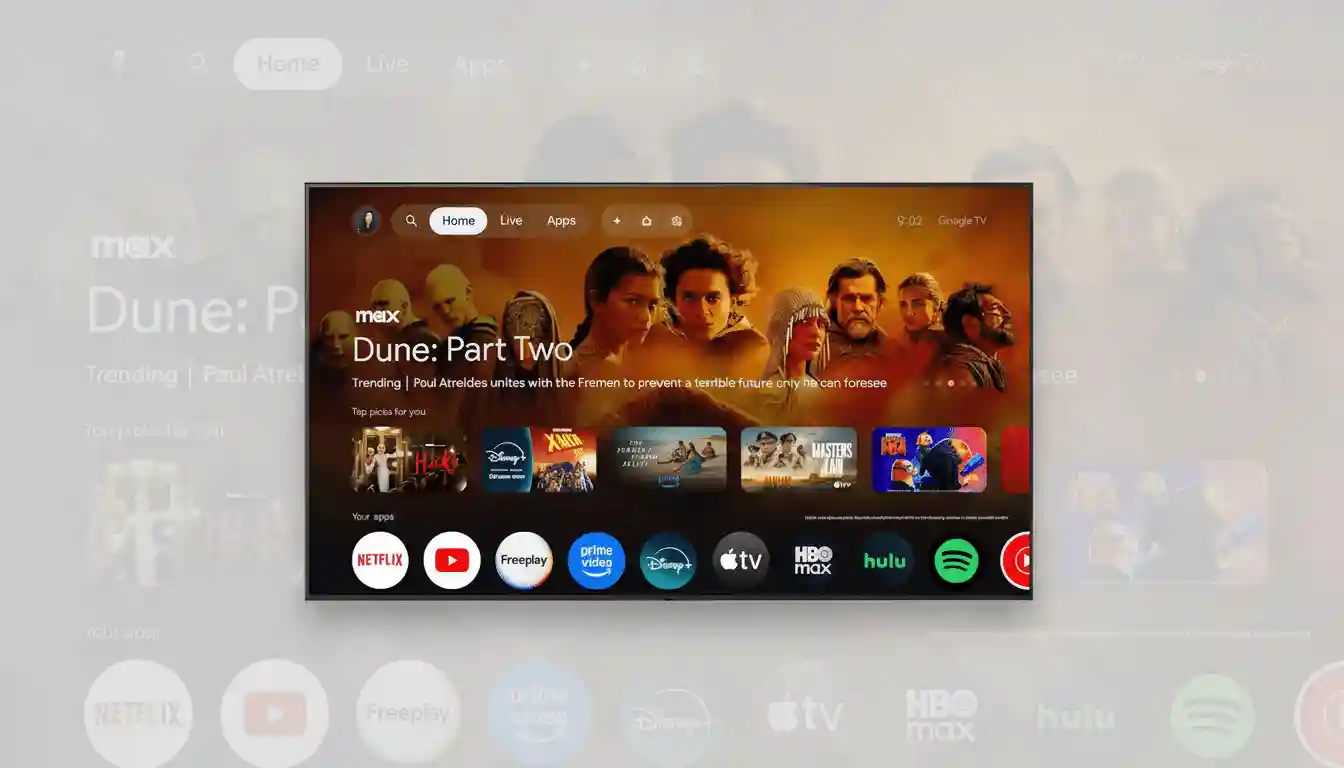
Transform Your Living Room with Google TV’s Personalized Screensaver
One of the most memorable upgrades to my living room wasn’t a flashy new app or faster interface—it was a simple setting on Google TV that transforms the screensaver into a rotating gallery of photos from my Google Photos account. This subtle feature brings a deeply personal and engaging touch to idle moments on the big screen, turning downtime into a living, breathing memory showcase.
Why Google TV’s Screensaver Needs to Be Personalized
While many TVs offer slideshow screensavers, Google TV’s seamless integration with Google Photos sets it apart. Directly linking to your Google account means no additional apps or complicated logins. Simply select a handful of albums—and the screensaver begins cycling through your personal pictures. Live Albums and Favorites update automatically, removing the need for weekly manual curation and ensuring fresh memories continuously appear. This means your TV becomes a dynamic canvas showcasing everything from candid pet moments to unforgettable vacations.
How to Enable Google Photos on Google TV
The setup is straightforward:
- Open the Settings app on your Google TV device.
- Select “Screen Saver” or “Ambient Mode.”
- Choose “Google Photos” as the screensaver option.
- Select the specific albums you want displayed.
Additional options let you control when the screensaver activates, its brightness, and whether to display photo information. For devices with multiple Google accounts, ensure you select the correct account’s photo library. For a curated experience, consider creating a dedicated “TV Album” filled with universally appealing images and rely on face grouping in Live Albums to keep the display updated with new pictures automatically.
The Emotional and Practical Impact of Personal Photo Screensavers
Personal photos create a unique atmosphere that stock images simply cannot replicate. Your TV doesn’t just display a menu; it becomes an ambient memory wall that brings life and warmth to your space. Instead of generic landscapes, you see familiar faces, treasured moments, and daily joys magnified on a large screen. Considering research showing that nearly 90% of American households now own internet-connected TVs prone to idle periods, this feature redefines what “downtime” means by transforming it into a visually rich, nostalgic experience.
Privacy and Household Considerations
Since televisions are often in communal spaces, it’s crucial to curate the albums thoughtfully. Use selective albums like “Living Room” to keep private or sensitive photos from appearing. Google TV supports user profiles, allowing each family member to enjoy their own personalized galleries. Shared libraries can also consolidate pictures meant for displaying without exposing entire collections. Additionally, adjust Ambient Mode’s brightness or set display timers to reduce eye strain and prevent screen burn-in, especially during nighttime viewing.
How Google TV Compares with Competing Platforms
Other platforms like Apple TV offer iCloud Photos slideshows and curated “Memories,” while Amazon Fire TV integrates Amazon Photos with its Ambient Experience. Leading TV manufacturers such as Samsung and LG provide ambient art displays that support both curated packs and personal photo uploads. Yet, Google TV’s advantage lies in its effortless integration for users already immersed in the Google ecosystem—no extra apps or sign-ins required, just select and enjoy.
Enhancing Your Home Experience with Small Touches
While content discovery and streaming speed dominate competition among TV services, personal touches like Google Photos screensavers enrich daily living. They help make your TV less transactional and more a part of your home environment, fostering emotional connections during everyday moments. For anyone who has overlooked screensavers, setting up a favorites album and letting it run can reveal a new, gentle narrative in your living space, starring your own memories.