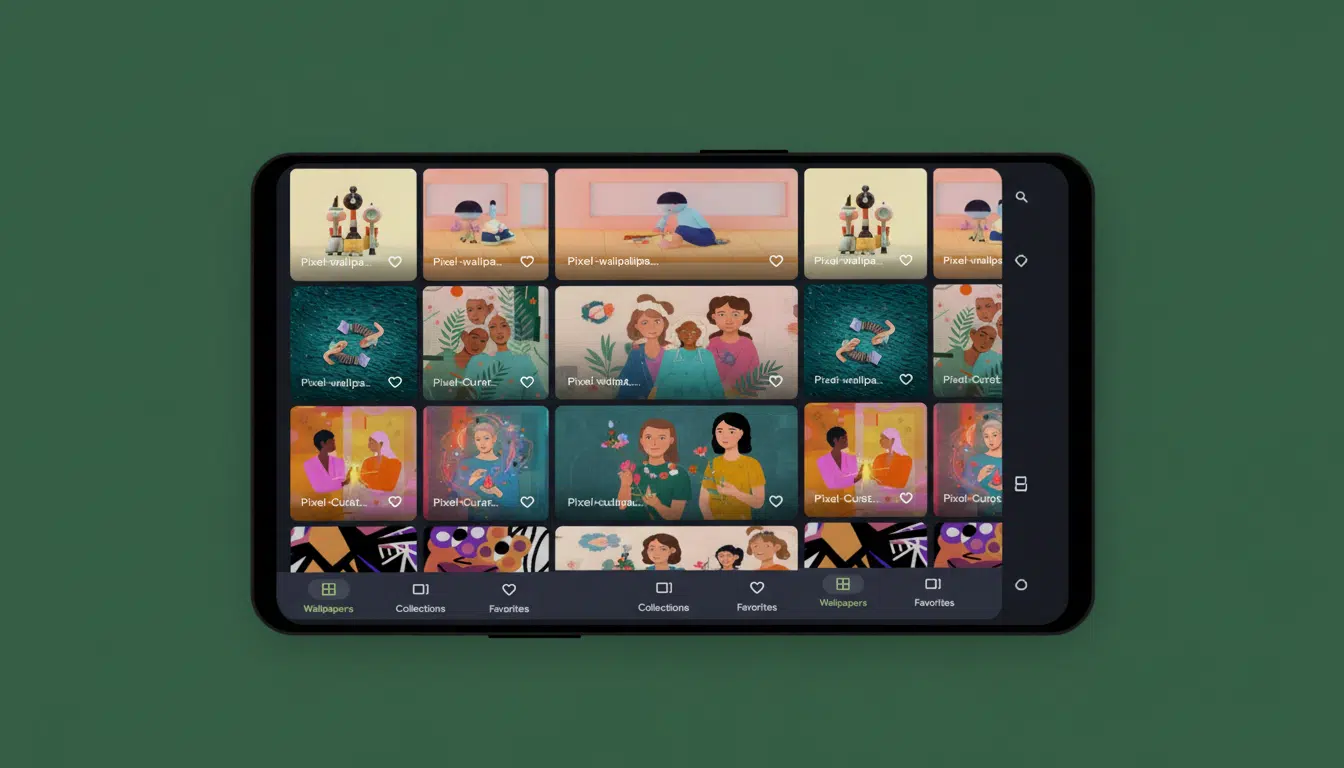
Google is quietly addressing one of the most persistent annoyances with its Pixel Live Effects wallpapers. Unlike at launch, when users were abruptly tasked with placing a ghost-like figure behind their cat’s head with no control over image framing, the latest version 19 of the Pixel Wallpapers app now lets users pan and zoom their photos before applying Live Effects.
This update tackles a practical pain point: although Live Effects does an impressive job separating the subject and adding visual flair, it often misjudged composition. Now, with simple one-finger panning and two-finger pinch-to-zoom gestures, Pixel users can finally center faces, highlight key action, or avoid awkward crops without having to resort to cumbersome photo-editing apps.
What’s New in Pixel Live Effects Wallpapers?
Live Effects, found within the Pixel Wallpapers app, now offers three modes: Shape, Weather, and Cinematic. The Shape mode cuts out the focal point and places it within stylized frames; Weather adds contextual effects like rain or fog; and Cinematic introduces a subtle 3D parallax effect for depth. Until now, images were auto-framed with no manual adjustments allowed.
In the Canary build 2511, a prompt now appears when selecting a photo for Live Effects, informing users that they can “adjust the position and scale” of their image via one-finger panning and pinch-to-zoom. These controls are functional in the Shape and Weather modes, while Cinematic remains unchanged, likely because its 3D depth effect requires the original composition to maintain visual integrity.
Though a modest tweak, this feature satisfies one of the most requested improvements since Live Effects launched with the September Pixel Feature Drop. It also aligns the wallpaper controls with familiar Android and Google Photos gestures, reducing confusion for average users.
Why Framing Control Matters
Subject isolation is effective but not flawless, especially with busy backgrounds or multiple people. Auto-cropping sometimes clips hair, hats, or parts of faces, and weather effects look best when the subject isn’t pressed against a frame’s edge. Being able to nudge the composition can turn an otherwise awkward lock screen photo into a polished one.
This functionality follows industry trends, such as Apple’s iOS lock screen editor, which lets users reposition photos within Depth Effect wallpapers, and Samsung’s One UI, which offers detailed wallpaper cropping. Adding these controls helps Pixel feel as refined and premium as users expect.
How Pan and Zoom Work in Pixel Live Effects
To use the new controls, select Wallpapers and Style, choose Live Effects, pick a photo, then use one finger to pan and two fingers to zoom before applying your preferred effect. These gestures are smooth and intuitive, indicating the system is simply panning the viewport rather than reprocessing the image. Because adjustments happen before applying effects, detail on the subject remains sharp, and elements like weather overlays or frames stay perfectly aligned.
Power users have long compensated by pre-cropping images in Google Photos, but Live Effects now enables this within the app itself, minimizing quality loss from repeated exports—a precise fix implemented in the most logical place.
Rollout and Compatibility
This feature debuted in the Android Canary channel and is expected to trickle down to Beta and Stable releases through an upcoming Quarterly Platform Release. Past cosmetic wallpaper updates have typically spread to a wide range of Pixels—not just the newest models but as far back as the Pixel 2—so long as the device runs the latest Android version and Pixel Wallpapers app.
Android Beta Program participants can expect this feature in an upcoming beta build before it reaches stable users. As with all pre-release software, features may evolve before full public launch.
The Bigger Picture for Pixel Live Effects
Live Effects is a standout personalization tool that combines on-device intelligence with playful design. Allowing users to fine-tune framing is a low-risk, high-reward upgrade that makes a significant visual difference. Wallpapers that look intentional rather than sloppy often owe that polish to manual reframing. This change shows Google’s responsiveness to community feedback and Android beta testers who frequently raised composition as a key frustration.
For Google, such refinements matter: market research from IDC and Counterpoint highlights that software and personalization are becoming as important as camera quality and battery life when consumers choose a phone. Small touches like this can boost daily user satisfaction, reduce complexity, and prevent minor annoyances that cause user churn.
Bottom Line on Pan and Zoom for Pixel Live Effects
Google’s long-overdue update to Live Effects framing is a welcome enhancement. With pan and pinch-to-zoom now available in Shape and Weather modes, Pixel users finally have the control they have requested from day one. This simple addition elevates Live Effects, making lock screen wallpapers feel more polished, personal, and precisely what users want.