Wear APK Install transforms the cumbersome process of sideloading apps and transferring files to Wear OS smartwatches into a seamless Wi-Fi-based experience. Developed by Ajinkya Deshmukh, this paid application turns your smartwatch into a local file server complete with an integrated file manager, enabling direct APK installations, watch face customization, and media transfers without command lines, cables, or desktop software. Available directly from Google Play Store, the app eliminates traditional barriers for smartwatch enthusiasts.
Core Functionality and Wi-Fi File Server Operation
Once installed on your Wear OS watch, the app launches a secure local Wi-Fi file server accessible from any browser on the same network. Users connect their phone or PC, access the watch’s unique IP address, and drag-and-drop APKs, images, music, videos, PDFs, or text files directly to the device. The integrated file manager displays all transferred content on the watch interface, allowing one-tap installation of APK files through Wear OS’s native package manager.
Eliminating Traditional Sideloading Complexities
Conventional Wear OS sideloading requires enabling developer options, activating wireless ADB debugging, pairing devices with authentication codes, and executing command-line installations from computers. Wear APK Install bypasses these technical hurdles entirely, offering browser-based transfers that complete at local Wi-Fi speeds. The solution maintains system security by leveraging Wear OS’s built-in installer while dramatically reducing setup time from hours to minutes.
Perfect Solution for Custom Watch Face Enthusiasts
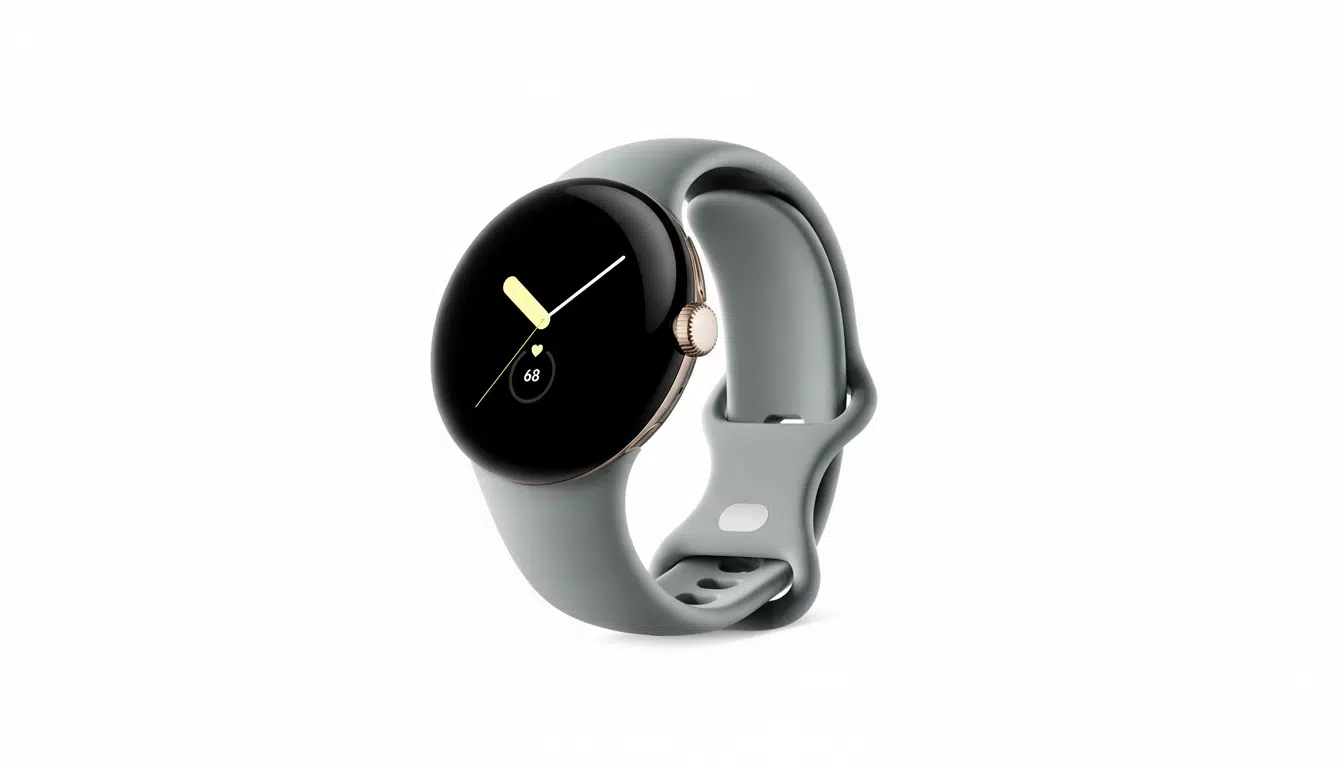
Watch face customization represents the app’s strongest use case, addressing common frustrations with model-specific designs, region-locked content, or Play Store delays. Users sideload compatible APKs for Pixel Watch faces, Galaxy Watch exclusives, or community creations in minutes rather than wrestling with ADB workflows all weekend. The app handles typical compatibility scenarios effectively while preserving platform security boundaries for model-locked content.
Comprehensive File Transfer Capabilities Beyond APKs
The application supports diverse file types including music for offline playback, high-resolution watch face images, video clips, PDF documents, and text files. Transfers occur within the safety of local networks without exposing ports to the internet, maintaining robust security posture. Developer roadmap includes enhanced viewer capabilities for images, audio, video, and documents, expanding utility for power users managing wrist-based media libraries.
Security Considerations and Best Practices
Local network operation inherently reduces external exposure risks compared to internet-facing tools. Standard sideloading precautions remain essential: verify APK sources, review requested permissions, and monitor storage capacity on space-constrained Wear OS devices. Battery consumption during large file indexing warrants attention, particularly for extended media transfers or frequent installations.
Step-by-Step Setup Guide for Wear APK Install
- Install Wear APK Install directly from Google Play Store on your Wear OS smartwatch
- Connect watch to Wi-Fi network and launch the application to display local server address
- On phone or PC browser (same network), enter the provided IP address
- Drag-and-drop APK files, images, music, videos, PDFs, or documents to upload
- Return to watch file manager, select APK, and tap to install via native package manager
- Review system permission prompts and complete installation process
Comparison with Alternative Sideloading Methods
ADB over Wi-Fi remains the most powerful option for advanced developers but requires command-line proficiency and developer mode activation. Third-party tools like Bugjaeger demand phone companion apps and technical familiarity. Wear APK Install uniquely combines web-based transfers with native installation in a standalone watch application, eliminating phone dependencies entirely while serving casual and power users alike.
Practical Value and Return on Investment
For frequent watch face experimenters or occasional file shuttlers, the time savings justify the paid model immediately. Users avoid repetitive developer option toggling, IP hunting, and authentication ceremonies across sessions. The app’s Play Store availability eliminates sideloading irony while future updates promise expanded media viewers and file type support.
Future Potential and Ecosystem Impact
Wear APK Install fills a critical gap in Wear OS’s native capabilities, making advanced customization accessible to mainstream users. As smartwatch storage expands and custom content proliferates, demand for simplified transfer solutions will grow. The app positions Wear OS as a more capable standalone platform, reducing phone dependency and enhancing wrist-centric workflows across fitness, productivity, and personalization use cases.