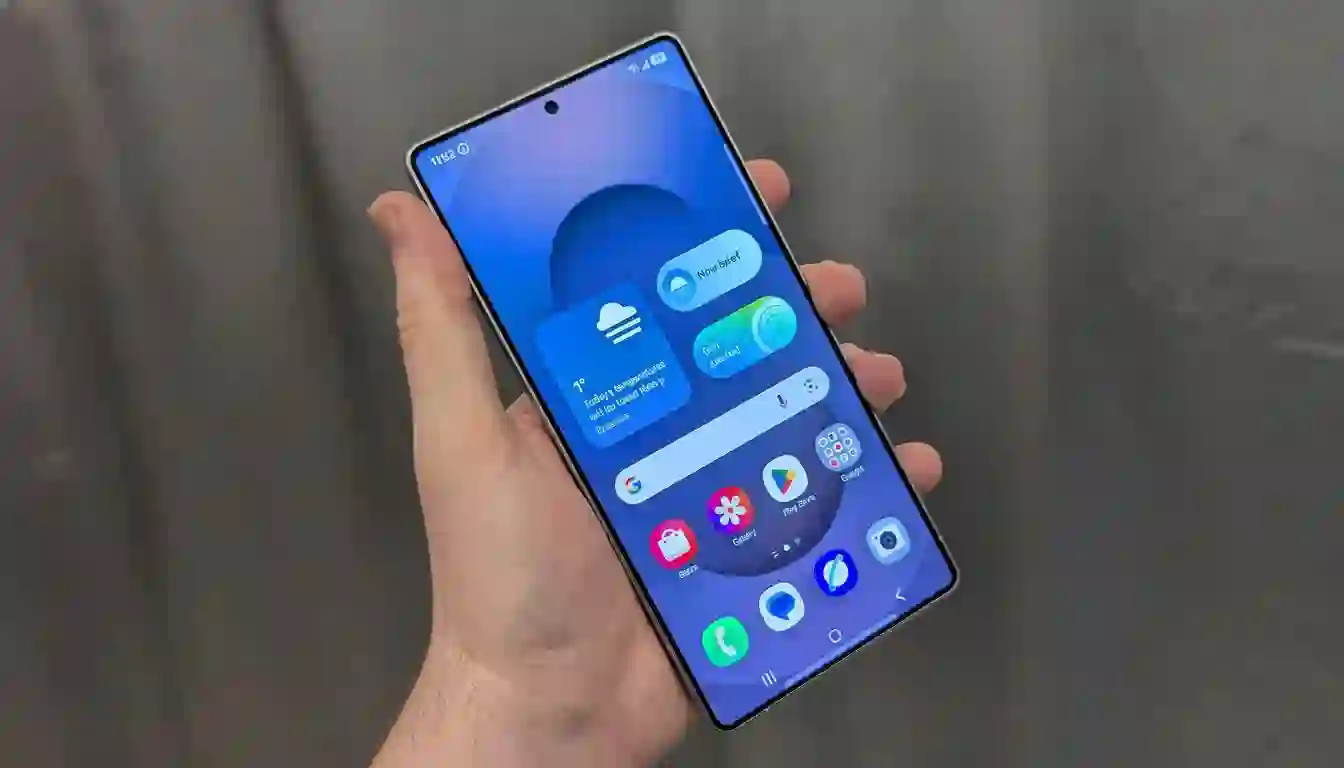
Google’s Android 16 QPR2 quarterly platform release brings significant stability improvements, usability enhancements, and new features to a broad range of Pixel smartphones. This update delivers essential polish alongside targeted functionality upgrades, maintaining Google’s commitment to extended software support across multiple generations of Pixel hardware. The staged rollout ensures gradual deployment while monitoring for potential issues across diverse device configurations.
Complete List of Supported Pixel Models for Android 16 QPR2
Android 16 QPR2 maintains comprehensive compatibility spanning from the Tensor-powered Pixel 6 series through current flagship models including Pixel 10 variants. Eligible devices encompass Pixel 6, 6 Pro, 6a, 7, 7 Pro, 7a, 8, 8 Pro, 8a, 9, 9 Pro, 9 Pro XL, 9 Pro Fold, and Pixel 10 lineup. This extensive support matrix demonstrates Google’s consistent quarterly update policy, ensuring older devices receive modern features and security enhancements alongside newer hardware.
Carrier-locked variants may experience delayed rollouts pending network certification, while regional builds maintain identical feature sets despite different version numbers. The broad eligibility reinforces Pixel’s value proposition through sustained software lifecycle management uncommon in the Android ecosystem.
New Features and User-Facing Improvements in QPR2
App icon customization tools enable comprehensive home screen personalization with shape, color, and style modifications for greater visual cohesion. Enhanced notification organization employs intelligent grouping and prioritization algorithms to reduce clutter while surfacing critical alerts effectively. Lock screen widgets return as a highly requested feature, providing glanceable access to weather, calendar events, fitness metrics, and productivity information without unlocking the device.
System Stability and Performance Optimizations
Comprehensive stability enhancements address camera processing reliability, modem connectivity issues, and UI responsiveness across diverse usage scenarios. Performance tuning optimizes thermal management during extended sessions of gaming, video streaming, and multitasking. The 744MB download size on Pixel 10 Pro reflects substantial system-wide refinements packaged alongside visible user features, ensuring balanced resource utilization across all supported hardware generations.
Step-by-Step Guide to Install Android 16 QPR2
- Navigate to Settings > System > System Update
- Tap “Check for update” and wait for availability notification
- Connect to stable Wi-Fi network with at least 50% battery remaining
- Ensure 3-5GB free storage space before download initiation
- Tap “Download and install” when package appears
- Allow device reboot and optimization process to complete fully
Rollout Schedule and Troubleshooting Common Issues
Google employs phased deployment strategy monitoring stability across millions of devices before full distribution. Carrier models and enterprise-managed devices receive updates according to network certification and organizational policies. Users not seeing the update immediately should retry after device restart or wait 24-48 hours for broader availability.
For installation difficulties, verify adequate storage, disable VPN connections, and use stable Wi-Fi networks. Advanced users may utilize Android Flash Tool or recovery mode installation, though over-the-air deployment remains recommended for security verification and simplicity.
Strategic Importance of Extended Pixel Support Matrix
Maintaining Pixel 6 series eligibility alongside Pixel 10 flagships underscores Google’s seven-year update commitment, differentiating Pixel within Android’s fragmented ecosystem. This continuity enables uniform feature deployment, consistent security patching, and cohesive user experience across hardware generations. Quarterly releases compound into substantial quality improvements, validating long-term ownership value.
Security Enhancements Integrated in QPR2 Release
The update incorporates fixes from the latest Android Security Bulletin, addressing critical vulnerabilities in framework components, system services, and vendor partitions. These patches mitigate privilege escalation vectors, remote code execution risks, and kernel-level exploits. Regular quarterly security integration ensures Pixels maintain enterprise-grade protection standards throughout extended support periods.
Real-World Performance Benefits After Installation
Users experience smoother UI transitions, faster app launches, and improved thermal stability during intensive workloads. Camera applications benefit from refined computational photography pipelines and enhanced low-light processing. Battery optimization algorithms adapt more intelligently to usage patterns, extending daily runtime across diverse scenarios. Notification management reduces cognitive load while preserving alert timeliness.
Enterprise Deployment Considerations for QPR2
Organization-managed Pixel fleets receive updates through established deployment channels with configurable delay periods. IT administrators benefit from staged rollout monitoring and regression testing before enterprise-wide distribution. The update maintains compatibility with mobile device management solutions and security compliance frameworks essential for corporate environments.