
As you go through your day, you probably never notice how small tasks slowly eat up your time. But once your Pixel starts handling those things for you automatically, you realize just how much effort you used to waste on them. These are not huge, flashy features, but simple, everyday conveniences that run in the background and remove the little frustrations that come with using a phone.
Here are six things your Pixel can do that you’ll genuinely notice in everyday use.
1 Wait on Hold
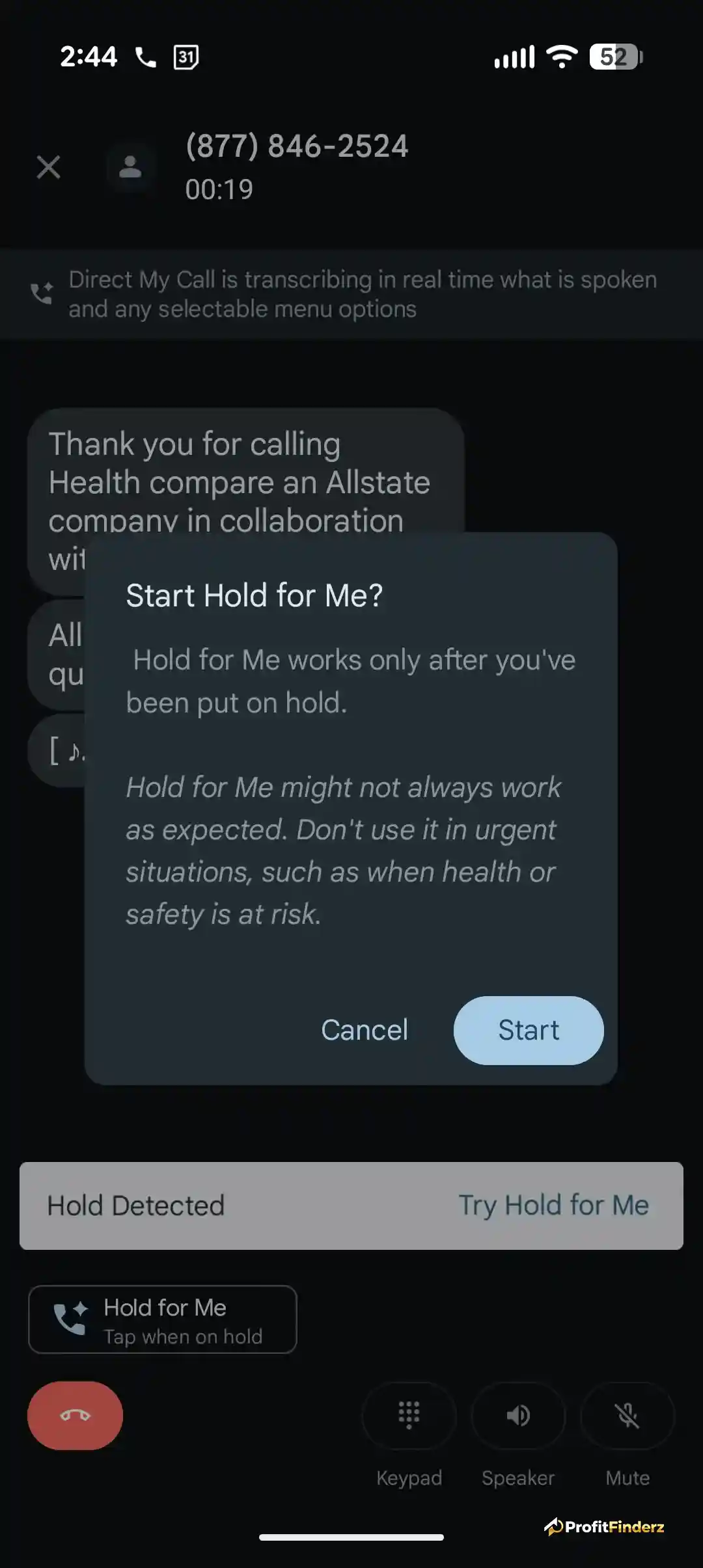
Their “Hold for Me” feature sounds pretty useless until you actually use it. Instead of waiting for the person on the other end of the line to pick up while pressing your phone to your ear and listening to the same four bars of elevator music on loop, Pixel allows you to stay on the line while you do something else. Once a real person picks up, you receive a notification along with a live transcript. Once you try it, it’s hard to go back.
2 Take Notes During Calls
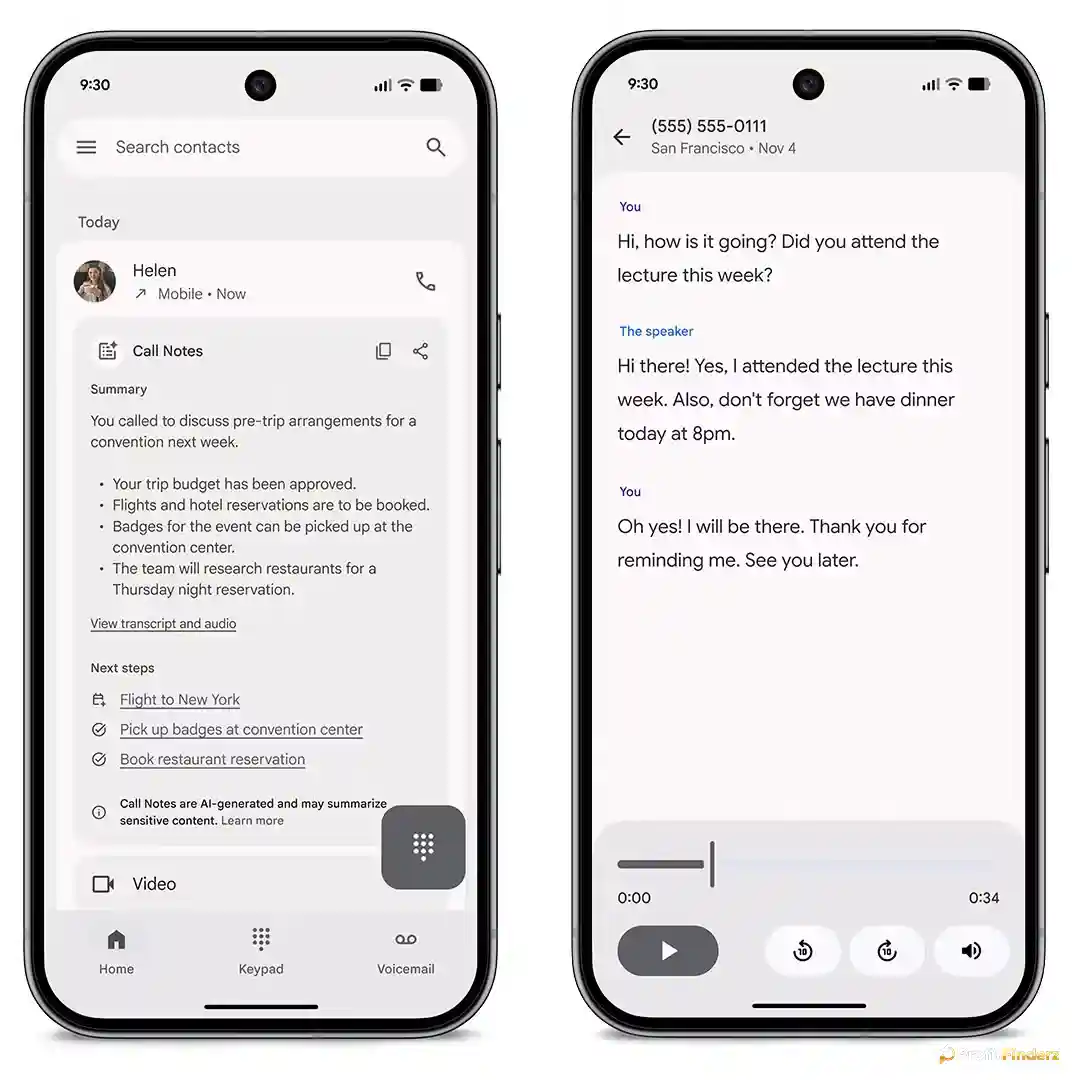
If you are not using this yet, then you are probably still putting your phone on speaker while jotting everything down with a paper and pen or your notes app, trying to keep up with the conversation. Pixel’s Call Notes, however, automatically transcribes the conversation in real time and even pulls up a summary once the call ends. It highlights important details such as appointments, instructions, and even reference numbers, so you do not have to worry about scrambling through your phone mid-call.
3 Tell You About Commute
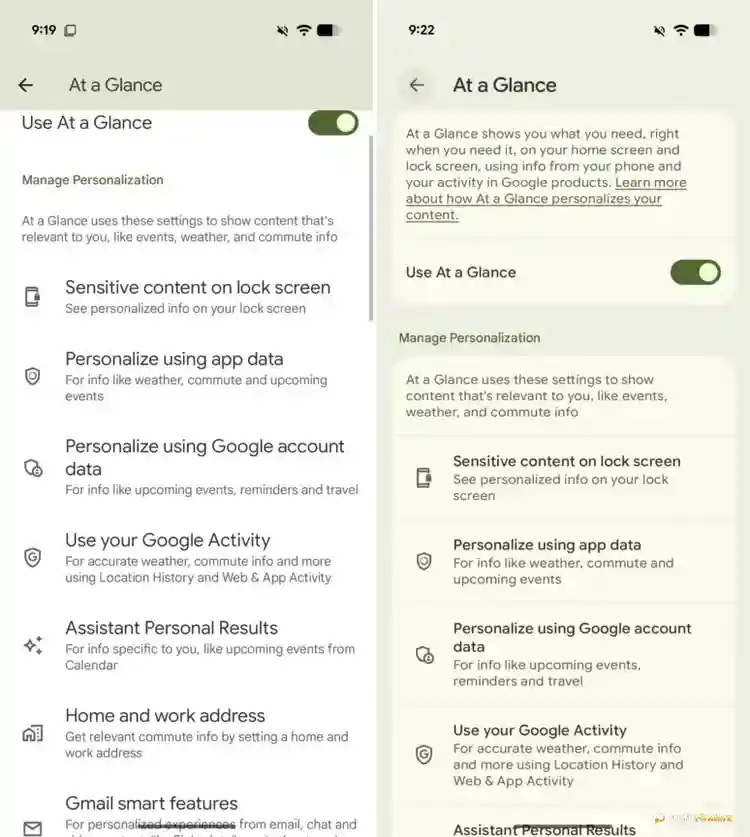
This is for the ones who rely on Google Maps a little too much. Now, the information you are looking for appears without you even having to search for it. The At a Glance widget automatically pushes transit delays, departure times, alternate routes, and traffic alerts straight to your lock screen. It learns your routine, allowing it to provide more accurate and personalized information about your commute automatically.
4 Handle Notification Overload
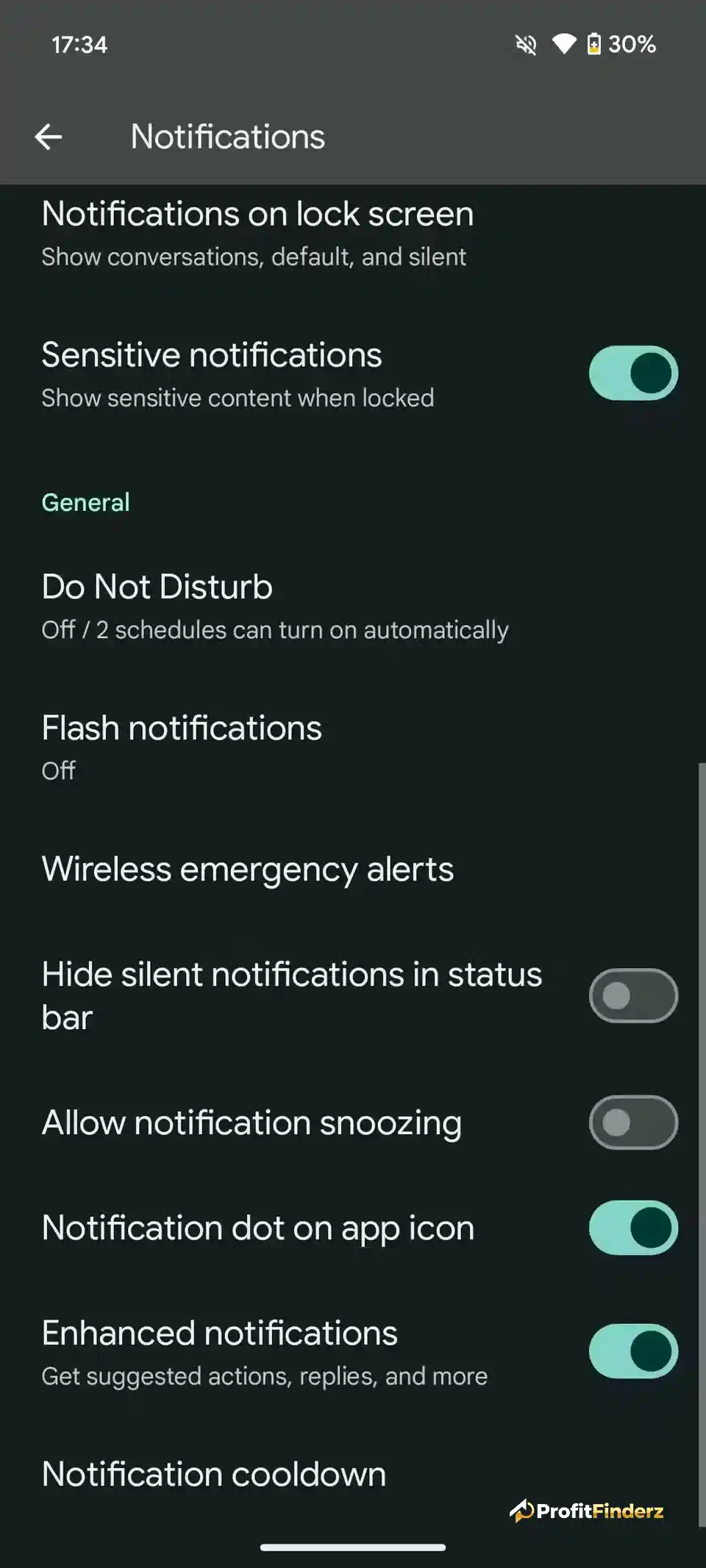
When notifications start stacking up, it can feel completely overwhelming, and that is where Notification Cooldown comes in. By lowering notification sounds and reducing pop-up interruptions, it helps you feel more relaxed and unbothered without having to mute every group chat or constantly turn on Do Not Disturb. Important calls and alarms still come through, while everything else quietly settles down.
5 Charge Smarter
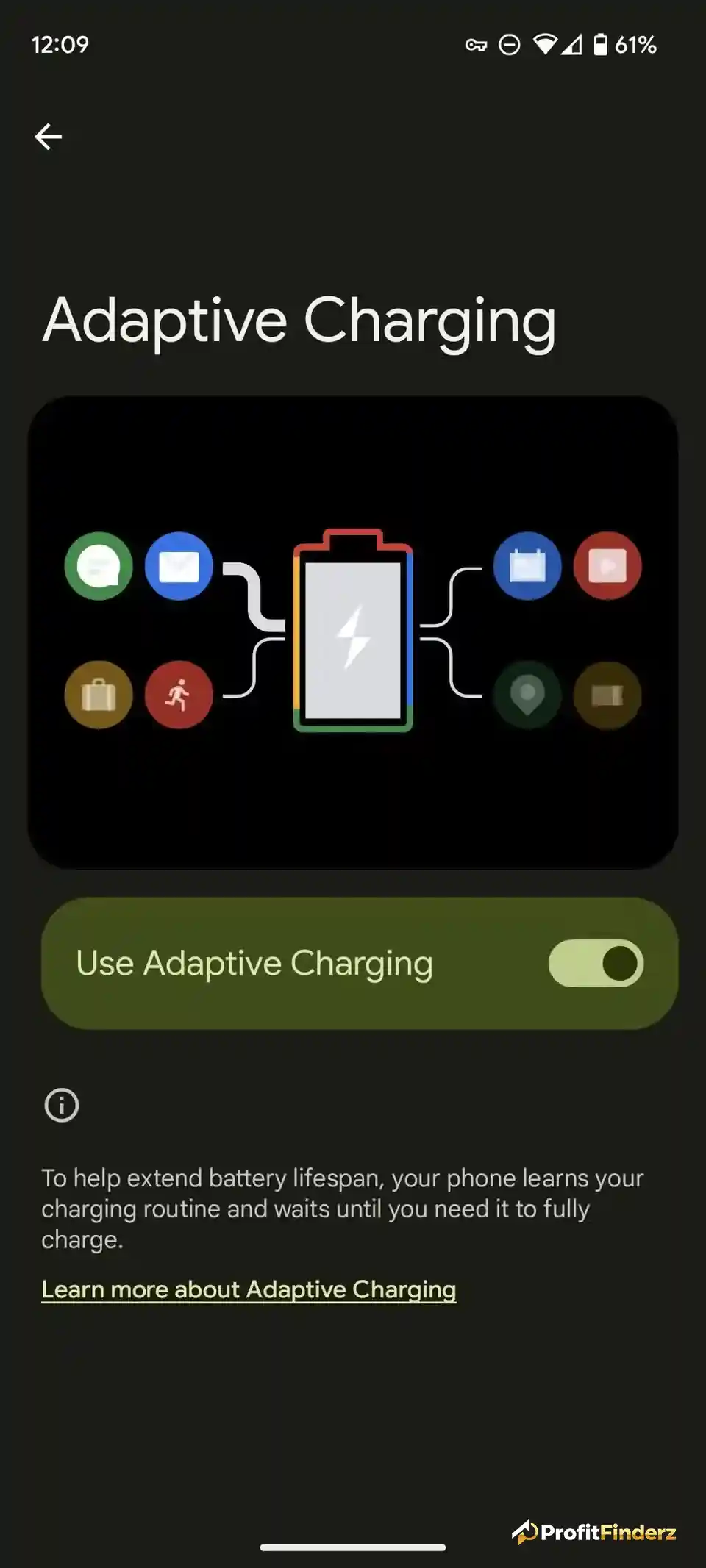
Instead of hitting 100% at midnight and staying plugged in for hours, which could damage your battery over time, Adaptive Charging learns your waking pattern and works from there. It holds the charge at around 80% through the night and then finishes charging when you are close to using it. You still wake up with a full battery, but with less long-term battery wear.
6 Adjust Audio
Your Pixel reads the room by recognizing whether you are in a quiet space or a loud environment. Through the Adaptive Sound feature, it fine-tunes your speaker output so music and podcasts sound balanced without you needing to constantly reach for the volume controls.
Let Your Pixel Handle the Small Stuff
None of these features takes up too much of your time; they simply run on their own. And the more you use them, the more you realize just how much mental energy you used to waste on minor tasks that your phone can now handle automatically.